Ely Office for Mac: six open-source offline apps explained
Ely Office separates documents, spreadsheets, presentations, PDFs, Markdown and Git into six desktop apps. Here is what each does, who should try it and what to check before downloading.
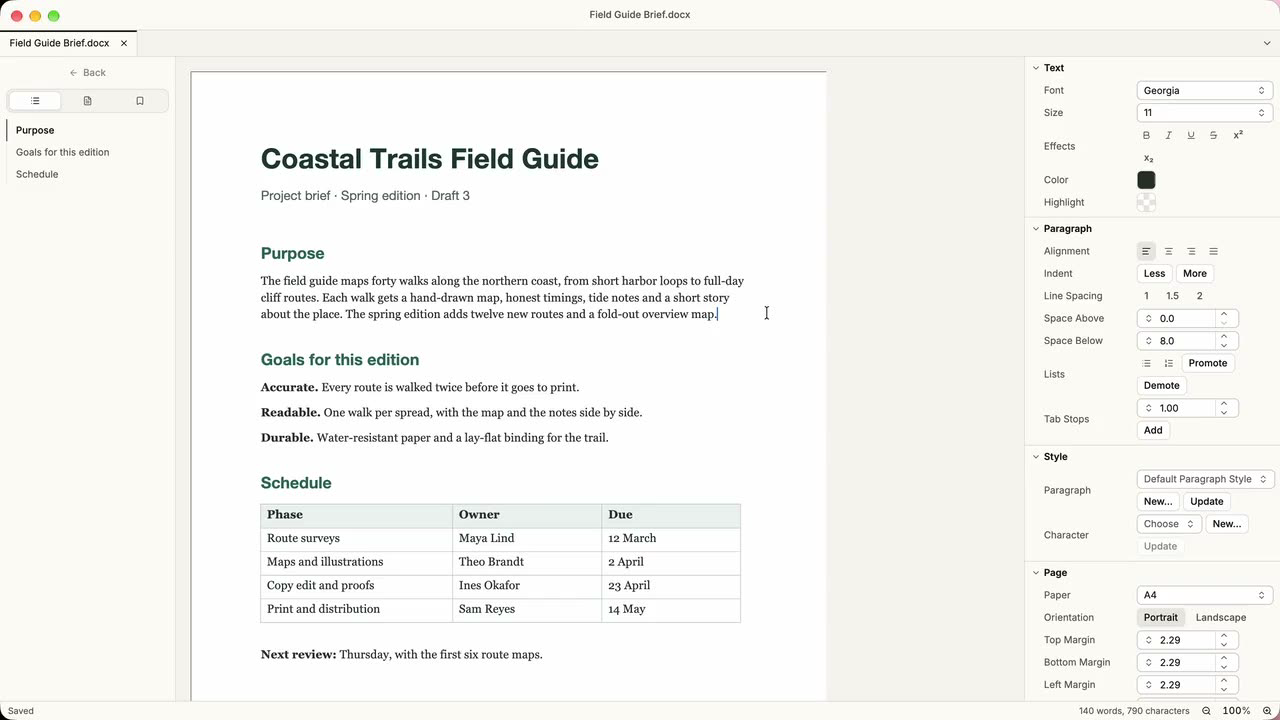
Ely Office takes six jobs and gives each its own desktop app: documents, spreadsheets, presentations, PDFs, Markdown and Git repositories. The project describes an offline-first approach: files remain in your folders, without an account or cloud service.[1]
For an Apple silicon Mac user looking for open-source tools for local work, one app may be worth trying. Support for DOCX, XLSX and PPTX does not, however, make the suite a complete Microsoft Office replacement. This introduction is based on official documentation; we have not installed or tested the apps.
What the six apps do
ElyDoc: documents and page layout
ElyDoc is a word processor. Its main documented editing and saving formats are DOCX and ODT, with styles, tables, images, comments, tracked changes and PDF output. Try it with ordinary notes or reports first. For complex contracts, font-dependent templates or equations, use a copy and check the result in the recipient’s software.[2]
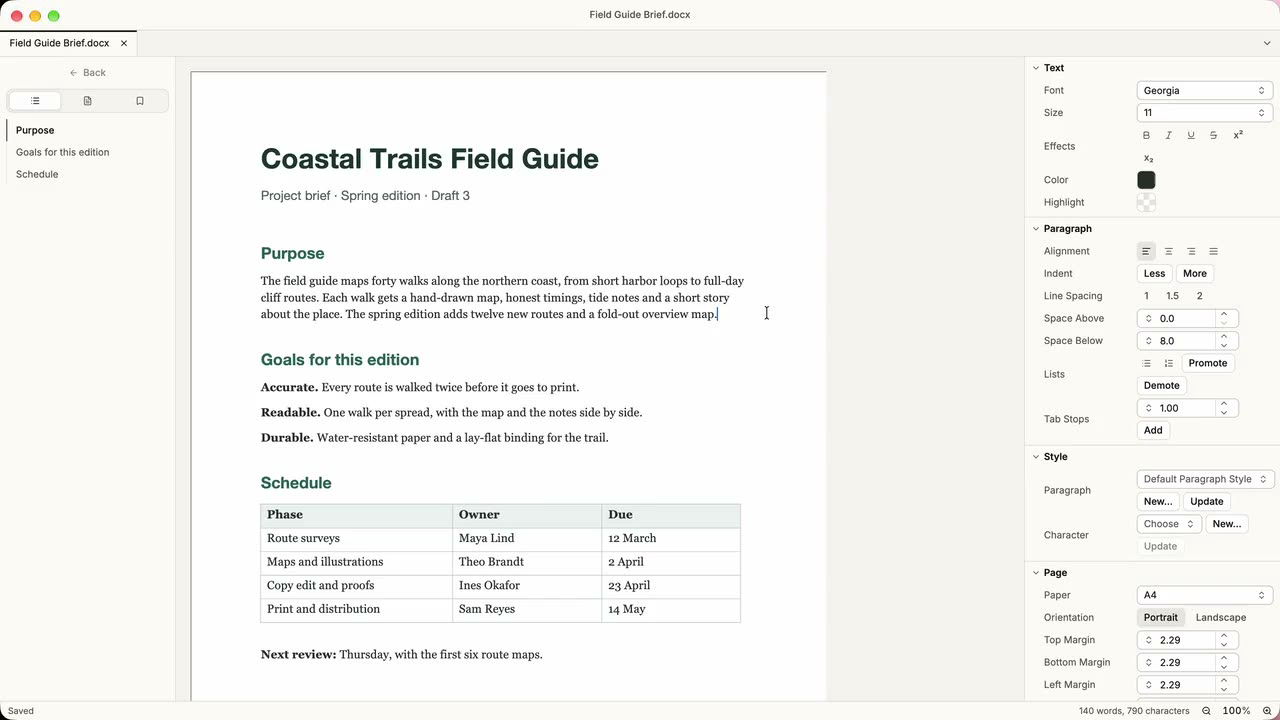
The cover and image above are official ElyDoc demonstration images, not screenshots from our own testing. They do not establish compatibility or performance for a particular version.
ElyTable: spreadsheets, formulas and CSV data
ElyTable mainly edits and saves XLSX and ODS. Text data such as CSV is imported into a new workbook through an import dialog. Personal lists, simple budgets and data cleanup are reasonable starting points. Unsupported functions display #NAME?, and external links do not refresh. Do not assume it can take over workbooks that depend on complex formulas, macros or external data.[2]
ElyShow: slide presentations
ElyShow works with PPTX and ODP, provides basic transitions and animations, and exports PDF or slide images. It is a candidate for simple presentation materials. The documented limits include lost PPTX section information and no replies to comments. Check fonts, layout and playback slide by slide in complex files.[2]
ElyPDF: reading, annotating and editing PDFs
The official feature list includes page organization, text and image edits, annotations, forms, OCR text layers and digital signatures. That goes beyond reading, but it does not mean every PDF behaves alike. XFA forms are unsupported; editing signed files requires saving an unsigned copy; certificate revocation is not checked. Preserve original contracts, signed documents and archival files, and follow your organization’s requirements.[2]
ElyMark: local Markdown writing
ElyMark edits UTF-8 Markdown for notes, documentation and project READMEs. It does not load remote images or execute HTML; local images are read from their file paths. The 0.1.6 compatibility list says files larger than 2 MiB open only in source mode and this version has no export feature. Do not count on it for a PDF or HTML export workflow.[2][3]
ElyTree: a Git client for developers
ElyTree handles changes, staging, commit history and branches rather than office documents. Developers who also write project documentation may find it relevant; other users need not install it just to complete the set. Remote clone, fetch, pull and push still require a connection. Interactive rebase and hard reset are not provided, and Git LFS shows status without downloading objects.[2][3]
Who should try it on a Mac?
The best candidates are people willing to validate a workflow with copies first: individuals keeping everyday documents locally, writers exploring open-source desktop tools, and developers using Markdown and Git. The project is licensed AGPL-3.0-or-later; third-party components retain their own licenses.[1]
Keep your existing tools if work depends on Microsoft Office macros, identical cross-application layout, complex Excel models or an established team workflow. The official 0.1.6 compatibility document explicitly says cross-checking with Microsoft Office has not been done. Format support is not full feature compatibility, and we have not independently tested compatibility or speed.[2]
Local work does not mean every operation is offline. Git remote operations, downloading installers and checking for updates require a connection. Keep independent backups. If another program syncs your folder, its settings determine whether those files are uploaded.[3]
Mac version, download and installation notes
At our October 19, 2026 check, the Mac download remains 0.1.6, requiring Apple silicon (arm64) and macOS 14 or later. The website displays suite version 0.1.7, but the release notes say that update is Windows-only; macOS and Linux stay on 0.1.6. Do not confuse the suite label with the Mac installer version or recommend that installer for Intel Macs.[4]
- Start at the Ely Office website and follow its official release link. Check the current Mac version and requirements; this article does not pin an old installer URL.
- The official 0.1.6 Mac disk image contains all six apps, and you can drag in just the ones you need. Individual downloads remain available. Start with one app.[4]
- The website says the apps are not notarized. If macOS blocks one, verify its origin and decide whether you trust the developer before considering the app-specific Privacy & Security prompt. Do not disable Gatekeeper globally. If uncertain, do not install.[1]
- Open a copy of a noncritical file, edit it, save a new copy, close and reopen it, then check text, formulas, pagination or signature status in your existing software. This is a suggested test, not one performed for this article.
Save the Ely Office app page on OpenNavo for reference. When ready to download, use the official website for the current entry point. Verify one app against your own work before adopting more of the suite.
Sources
[1] Official website and repository and license
[2] Official compatibility list for Mac version 0.1.6