Free & Open-Source CleanMyMac Alternatives (2026)
Find a CleanMyMac free alternative for your Mac. Compare cleanup, uninstalling, malware scans, licenses, and practical steps to avoid deleting useful files.
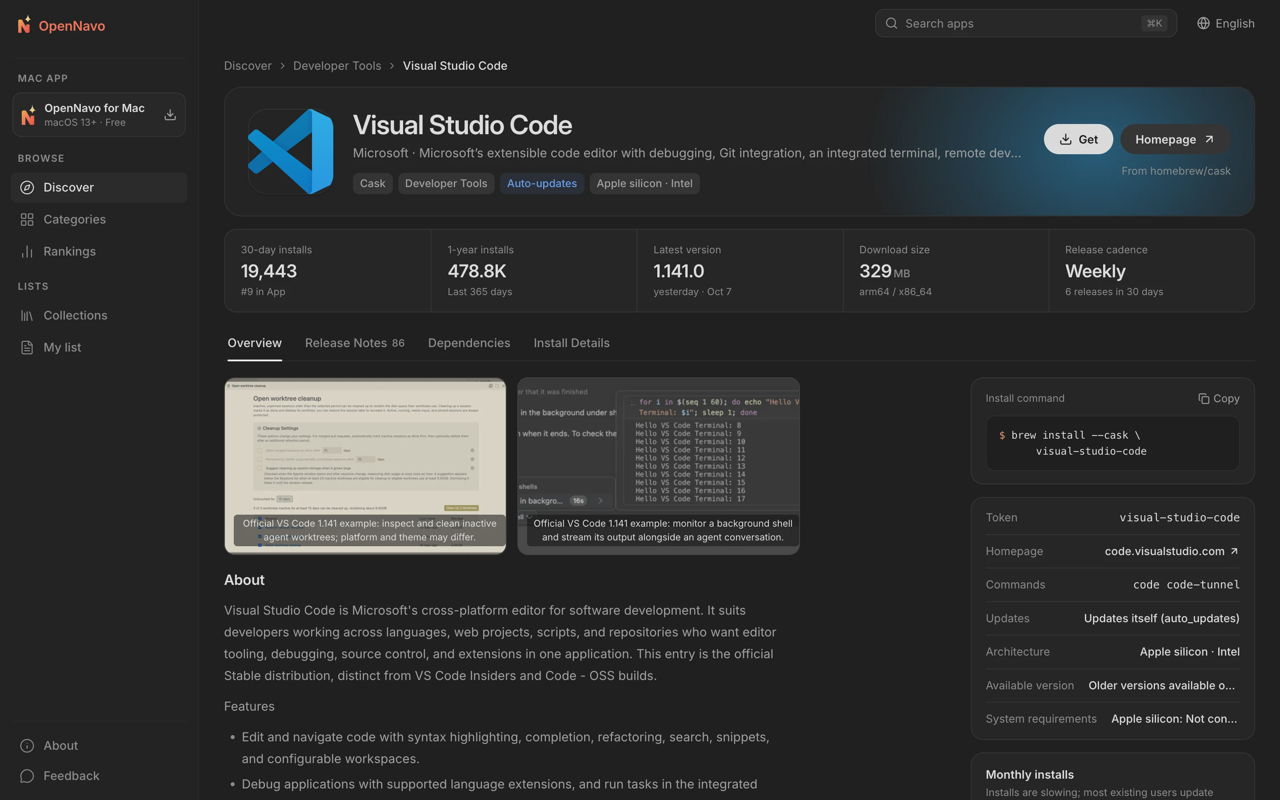
A CleanMyMac free alternative should match the job you need: AppCleaner for focused app removal, Mole’s open-source CLI for terminal-based cleanup and disk analysis, or OpenNavo for app management with cleanup and ClamAV scanning. OnyX covers maintenance; Pearcleaner offers source-visible uninstall tools.
These aren’t identical replacements. Start by deciding whether you need to remove apps, recover storage, or scan for malware. A tool that finds leftover preferences doesn’t necessarily do the other jobs.
OpenNavo is an independent project with no affiliation with Homebrew or Apple.
Why people look for a CleanMyMac alternative
A paid all-in-one app can make sense if you use its combined workflow. A smaller free tool can make more sense if you only want to uninstall an occasional application.
CleanMyMac is MacPaw's commercial, proprietary cleaning and maintenance app. Its current product page advertises junk cleanup, malware scanning, app removal, software updates, and storage decluttering, and offers a trial. Check the purchase page for your region's price and terms.
The case for switching is narrower than “paid software is bad.” You might want fewer recurring expenses, inspectable code, or a tool that does one specific task. You might also prefer choosing cleanup and security tools separately.
Compare the functions you actually use before canceling anything. Replacing an uninstaller is straightforward; replacing a combined maintenance and malware-scanning workflow requires more thought.
What “free” and “open source” mean here
Free describes cost. Open source describes licensing rights. Neither tells you, by itself, what a cleaner deletes or whether its current download suits your Mac.
OpenNavo and Mole’s CLI use GPL-3.0. Pearcleaner’s current repository calls it source-available and fair-code licensed, with a Commons Clause restriction that prohibits monetizing the software.
AppCleaner is a focused, freely downloadable alternative; its project page does not specify an open-source license. OnyX is freeware/donationware under its own license, which prohibits distributing modified versions.
Privacy needs a separate check, too. OpenNavo requires no account and doesn’t collect which apps you have installed, but since version 0.1.16 it sends anonymous daily usage statistics. Read privacy terms independently of a tool’s price or source availability.
Avoid choosing from alarming cleanup totals alone. Ask what the files are, whether they can be recreated, and how deletion works. A large number on a scan screen isn’t proof that everything listed is disposable.
Compare the cleanup jobs before choosing
“Unknown” means the available sources do not specify the feature or term. “Related caches” means files associated with an app being uninstalled, not a general cache-cleaning function.
| Tool | Uninstall leftovers | Caches | Large files / disk analysis | Malware scan | Homebrew integration | Price model | License / source status |
|---|---|---|---|---|---|---|---|
| CleanMyMac | Advertised | Junk cleaning advertised; cache scope Unknown here | Large & forgotten files, duplicates advertised | Advertised | Unknown | Paid; trial offered | Proprietary (commercial) |
| OpenNavo | Yes; review related files | Yes; risk-grouped cleanup | General large-file finder Unknown | ClamAV; limits below | App installation, updates, uninstalling, cleanup | Free; no paid tier | GPL-3.0, open source |
| Mole CLI | Yes | Yes | Terminal disk explorer | Not documented | Installs via Homebrew (brew install mole) |
Free CLI; native Mac app is separate and paid | GPL-3.0 for CLI |
| Pearcleaner | App removal and orphan search | Related caches; general scope Unknown | File search; dedicated disk analyzer Unknown | Unknown | Manager listed | Free | Apache 2.0 + Commons Clause |
| AppCleaner | Related-file removal | Related files; general scope Unknown | Unknown | Unknown | Unknown | Free download | No published open-source license |
| Tidymint | App and related files | Preview before cleaning | Space Lens; large files and content-based duplicates | No built-in scanner | Unknown | Free; no subscription | MIT, open source |
| OnyX | Uninstalling listed; exact leftover scope Unknown | Cache deletion listed | Unknown | Unknown | Unknown | Freeware/donationware | Vendor license; modified redistribution prohibited |
Open-source and notable alternatives
OpenNavo for app management, cleanup, and scanning
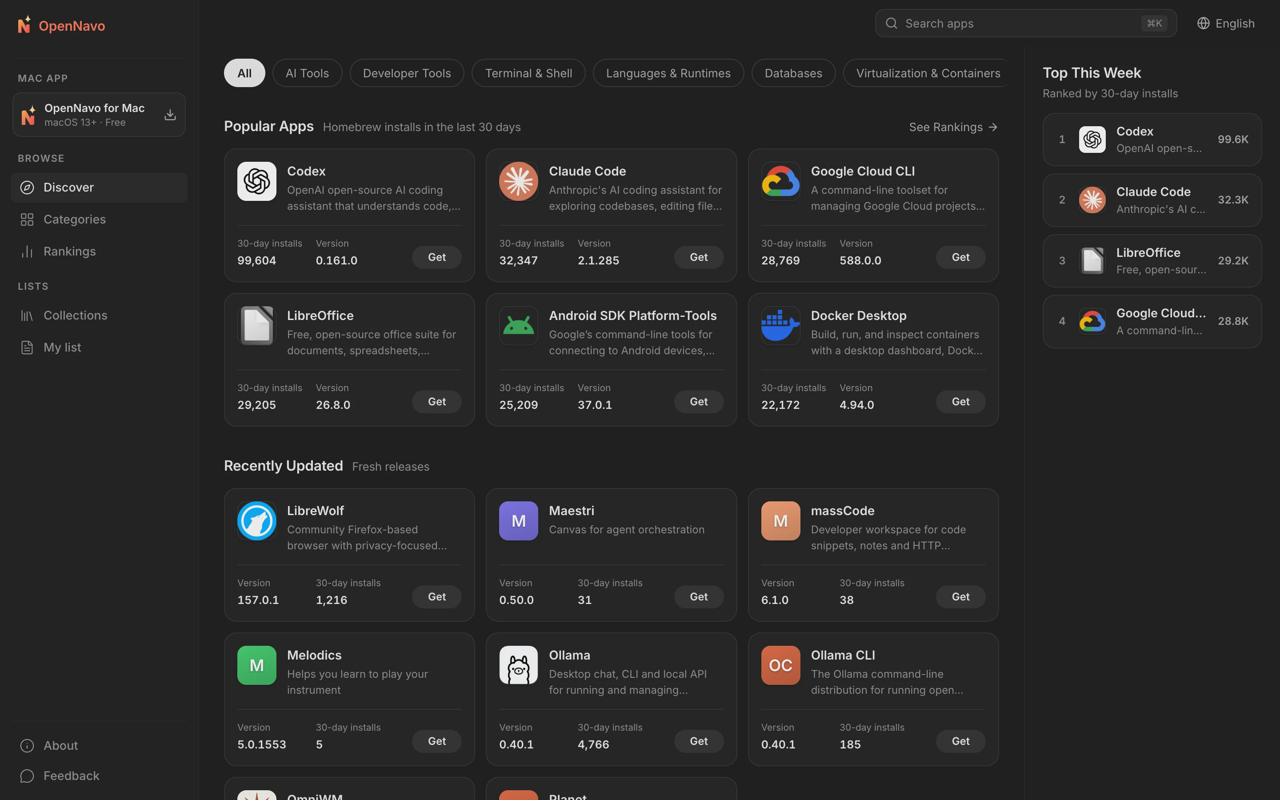
OpenNavo fits readers who want to manage applications as well as remove their leftovers. It’s our free, GPL-3.0 Homebrew GUI for Mac, with cleanup and ClamAV scanning. OpenNavo itself supports macOS 13 or later on Apple silicon and Intel. Homebrew has separate requirements: its current installation guide specifies macOS 15 or later on Apple silicon; 64-bit Intel is Tier 3. Building Formulae from source requires Xcode Command Line Tools or Xcode. A GUI's minimum macOS version does not establish Homebrew support for that system.
Screenshot · Source: OpenNavo GitHub repository
Its uninstaller covers applications installed through different sources, including disk images and package installers. You review associated files before removal; files shared with other apps are kept by default. Uninstalled apps and their related files normally go to Trash, allowing recovery before you empty it.
Clean Up starts with a read-only scan and groups candidates by risk. Its documented scope includes app caches, logs, old temporary files, unused installers, developer caches, and leftovers from removed applications. It skips caches belonging to running apps and doesn’t preselect personal files.
Deletion behavior matters: rebuildable caches are deleted directly, while leftovers and installers go to Trash. Don’t assume every cleanup action has an undo button.
The separate ClamAV scanning explanation is worth reading before choosing it for security. Scans run locally without uploading files, and downloaded app installers are scanned before installation. ClamAV has limited coverage of Mac-specific malware, and OpenNavo supplements rather than replaces macOS’s built-in protection. Ordinary files above 100 MB, installers above 1 GB, or unpacked content above 2 GB aren’t fully scanned. Scanning uses about 1.1 GB of memory. It also cannot yet block a program before its first run because the required Apple Endpoint Security entitlement is awaiting approval.
Mole CLI for cleanup in Terminal
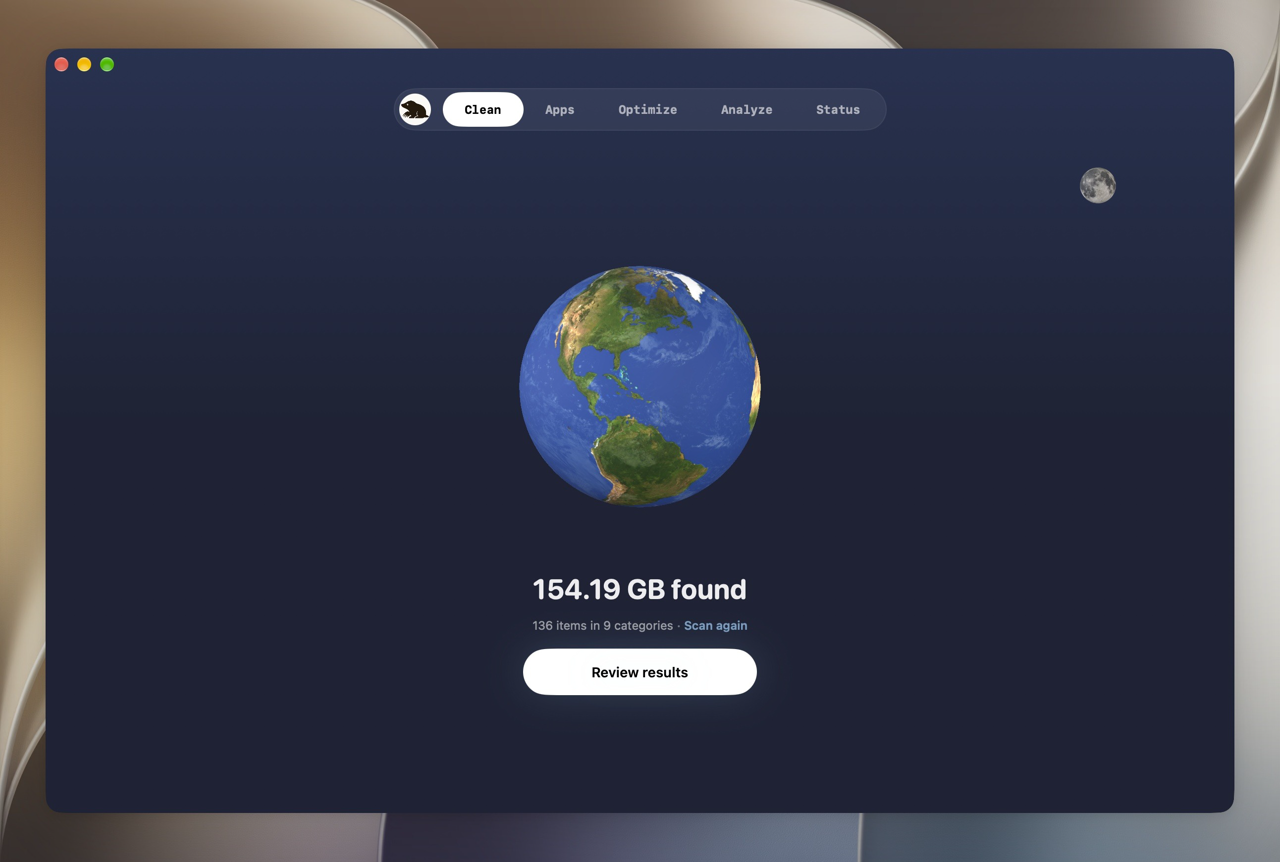
Mole’s project repository documents a free, GPL-3.0 command-line toolkit for cleaning, uninstalling apps, disk analysis, maintenance, and system monitoring. It’s a practical shortlist candidate when you want inspectable cleanup logic and don’t need a graphical interface. Mole CLI remains active; release V1.65.0 was published October 27, 2026.
Screenshot · Source: mole.fit
Keep the products separate. The free CLI and Mole for Mac are different offerings; the repository describes Mole for Mac as a separate proprietary app, and mole.fit sells it as a one-time license. A recommendation of the open-source CLI is not a claim that the graphical app is free.
The project README documents preview commands, including:
mo clean --dry-run
mo uninstall --dry-run
Those commands preview a plan; they aren’t instructions to accept every candidate afterward. Check paths and exclusions before running a deletion action. Deletion destinations differ by command: per the README, mo uninstall and mo analyze move items to Trash by default, while mo clean, mo purge, and mo installer delete permanently, and mo clean also empties your Trash unless you protect it in mo clean --whitelist.
Pearcleaner for app removal
Pearcleaner’s repository lists app uninstalling, orphaned-file search, file search, and a Homebrew manager. Its focus makes it relevant when leftover app data is your main concern.
Pearcleaner's license combines Apache 2.0 with the Commons Clause restriction on selling the software. It is source-available rather than unrestricted open-source software.
Pearcleaner’s README also states that active development is on hold indefinitely. The author says the project is not abandoned, but issue responses and new releases are on hold. It supports macOS 13 and later. Check compatibility and unresolved issues before using it for deletion.
The documented orphan search is useful to compare with uninstalling an app that’s still installed. Those are different starting points. Don’t assume an orphan result is safe simply because the original application is gone.
AppCleaner for focused app removal
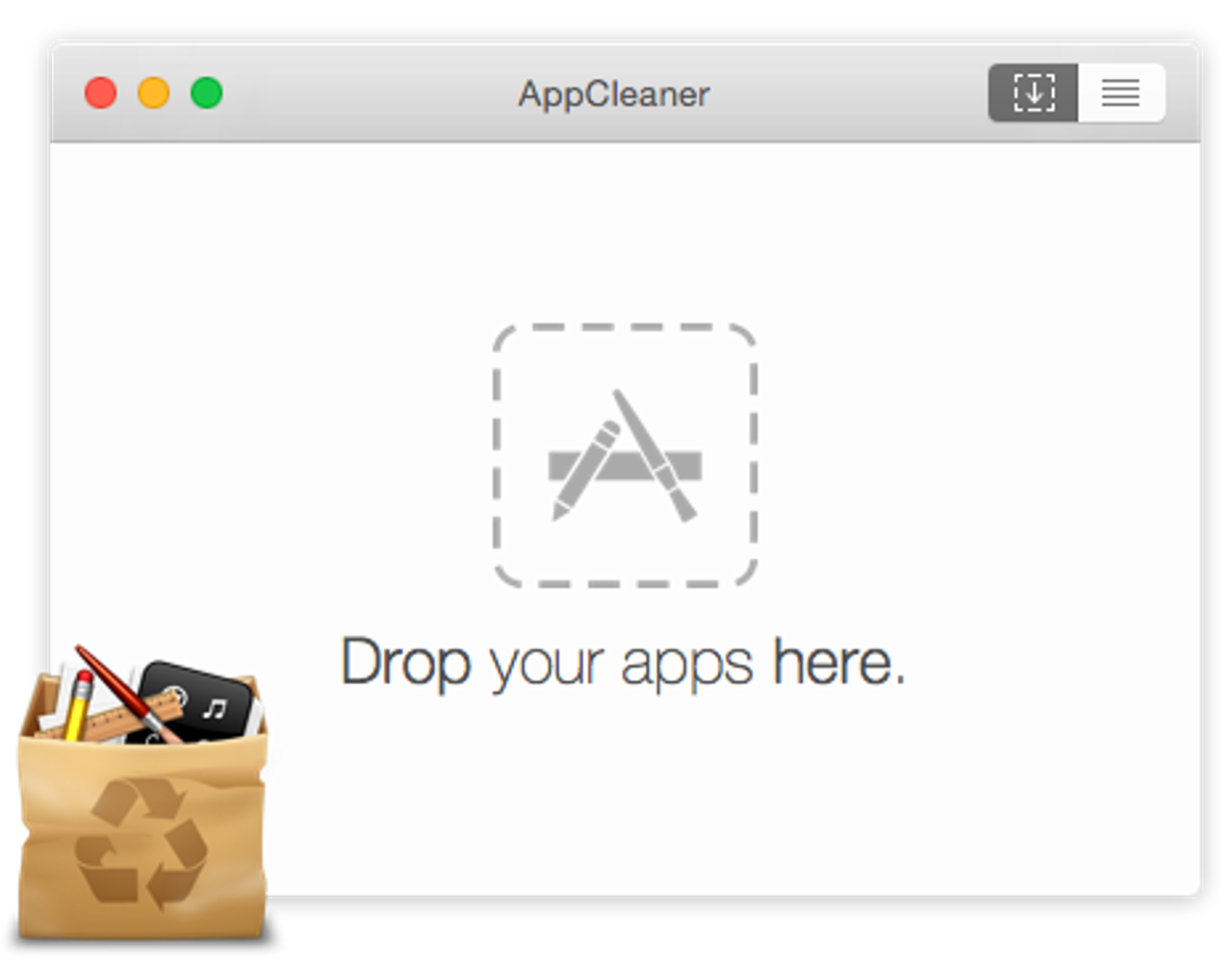
AppCleaner’s project page describes a simple workflow: drop an application onto its window, inspect the related files it finds, and delete the ones you choose. AppCleaner, from FreeMacSoft, is a sensible starting point when you want an uninstaller rather than a broader maintenance suite.
Screenshot · Source: freemacsoft.net
Review the file list carefully, especially settings or support data you might want if you reinstall the app.
The current AppCleaner download is version 3.7 for macOS 15 or later; older downloads cover earlier systems. Its site says all rights reserved and does not grant an open-source license.
Tidymint for visual cleanup and disk exploration
Tidymint combines a graphical cleanup workflow with disk exploration. It is free and open source under MIT, and requires no account or subscription. You can preview caches, logs, and old installers before selecting what to clean.
Its duplicate finder matches file contents even when names differ. Space Lens maps disk usage as bubbles, helping you inspect which folders occupy space. The uninstaller finds an app’s related caches, preferences, and logs alongside the application itself.
Selected items go to Trash. You can undo the last cleanup while those files remain there; review the selection before cleaning and keep Trash intact until you have checked the result.
Version 0.3.5 requires macOS 14 or later on Apple silicon or Intel. It is not yet notarized, so first launch requires Open Anyway in System Settings > Privacy & Security.
OnyX for deliberate maintenance
OnyX is a free maintenance utility. Titanium Software documents cleaning, cache deletion, database and index rebuilding, and application uninstalling. It suits readers looking for maintenance controls rather than primarily an app-store-style workflow.
OnyX remains available in separate builds for different macOS releases. Match the build to your operating system.
Its software license describes freeware/donationware and prohibits distributing modified software. That makes it a free alternative, not an open-source one. Use maintenance actions for an understood problem, not as a requirement to make a healthy Mac “clean.”
How to choose a CleanMyMac free alternative
Choose by the task you repeat. Trying to replace every feature at once can leave you installing tools you don’t need.
If avoiding subscriptions is the priority, shortlist the free options first, then decide whether source licensing matters. Mole’s CLI and OpenNavo offer GPL-3.0 code; OnyX’s freeware model is a different proposition.
If you only want uninstalling, compare AppCleaner’s focused workflow with Pearcleaner’s app-removal and orphan-search tools. OpenNavo is relevant when uninstalling is part of a broader app-management routine.
For visual cleanup and disk exploration together, consider Tidymint’s preview workflow, Space Lens, and content-based duplicate finder.
If you want cleaning plus malware scanning, OpenNavo provides both, with the stated ClamAV limits. CleanMyMac also advertises scanning. The other tools’ cleaning functions are not evidence of malware protection.
For a separate comparison of graphical front ends for Homebrew on macOS, see our guide to the best Homebrew GUI for Mac.
Safe cleaning checklist
Scan first, then clean. Here, scanning means inspecting candidates before deletion; a malware scan is a separate task.
- Back up important data before destructive cleanup. A scan result doesn’t replace a recoverable copy of your work.
- Read the proposed paths. Distinguish a rebuildable cache from app support data, project files, or a personal archive. Leave anything you can’t identify untouched.
- Close affected applications. Check that no active project depends on the data you’re about to remove.
- Review related files individually when uninstalling. Keep shared files and settings you may need after reinstalling.
- Check the deletion destination. Trash, direct cache deletion, and permanent project cleanup have different recovery consequences.
- Start with a small selection. Reopen affected apps and check your work before deleting more or emptying Trash.
- Treat malware findings separately. A suspicious file needs investigation; clearing unrelated caches doesn’t resolve that finding.
- Reassess recurring growth. If the same category keeps returning, investigate the application or workflow producing it rather than repeatedly approving a larger cleanup.
FAQ
Is CleanMyMac worth it in 2026?
It can be if you use its integrated cleaning, app management, and malware-scanning workflow enough to justify the current plan. If your need is occasional app removal, a focused free alternative may be sufficient.
What is the best open-source Mac cleaner?
Shortlist Mole’s GPL-3.0 CLI for terminal cleanup and disk analysis, or OpenNavo’s GPL-3.0 app for management, cleanup, and ClamAV scanning.
Can I uninstall CleanMyMac and free space another way?
Yes. Choose tools for the tasks you still need, and follow MacPaw’s removal and account guidance. Removing an app and ending a subscription are separate checks. Review replacements’ deletion plans before using them; don’t remove unrelated support folders just because their names look familiar.
Does OpenNavo clean caches and leftovers?
Yes. Its documented cleanup covers caches and removed-app leftovers, with a read-only scan and risk grouping before cleanup. Rebuildable caches are deleted directly; leftovers and installers go to Trash. Its uninstaller also lists associated files for review and keeps shared files by default.
Try OpenNavo
If app management, cleanup, and local ClamAV scanning fit your needs, download OpenNavo. It’s free and GPL-3.0. Start with a scan, inspect the candidates, and remove only files you understand. Leave uncertain items alone.
Sources
- CleanMyMac product information
- CleanMyMac terms of service
- Mole CLI documentation
- Mole CLI GPL license
- Mole CLI latest release
- Mole for Mac product information
- Pearcleaner project status and requirements
- Pearcleaner license
- Pearcleaner latest release
- AppCleaner downloads and copyright
- OnyX documentation and downloads
- OnyX software license
- Homebrew installation requirements
- Homebrew license
- ClamAV license
- Tidymint product information
- Tidymint documentation
- Tidymint 0.3.5 release
Sources
- CleanMyMac product information
- CleanMyMac terms of service
- Mole CLI documentation
- Mole CLI GPL license
- Mole CLI latest release
- Mole for Mac product information
- Pearcleaner project status and requirements
- Pearcleaner license
- Pearcleaner latest release
- AppCleaner downloads and copyright
- OnyX documentation and downloads
- OnyX software license
- Homebrew installation requirements
- Homebrew license
- ClamAV license