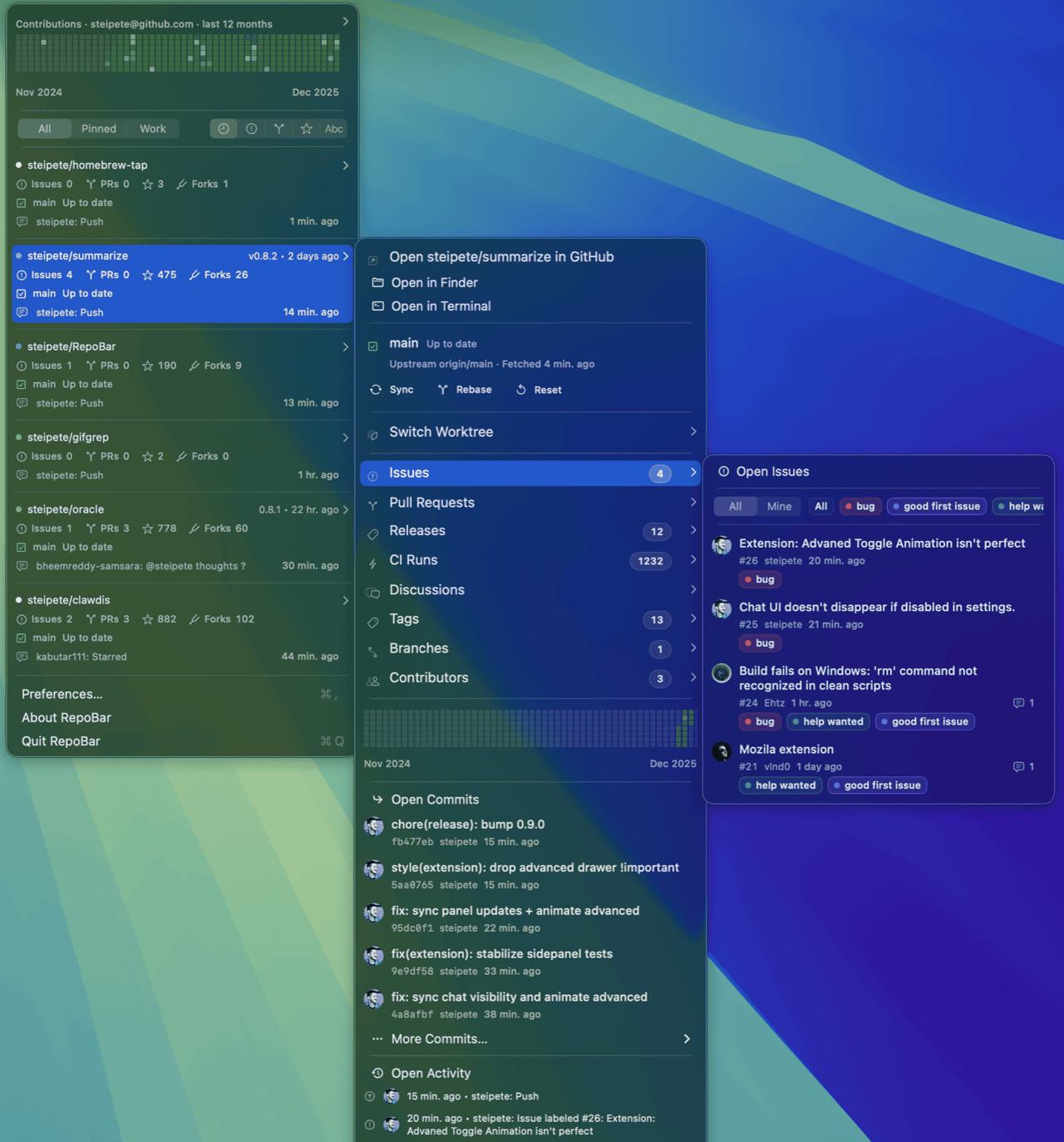
RepoBar is a native macOS menu bar app that brings GitHub repository activity and local checkout status into a menu. It is designed to keep repository information accessible without switching to a browser dashboard.
- Shows CI status, open issue and pull request counts and lists, recent releases, and contribution activity for repositories you follow.
- Can match repositories to local checkouts and display branch, upstream, ahead/behind, working-tree changes, and worktrees. Optional syncing can fetch and fast-forward clean repositories on a schedule; it does not force-push, hard-reset, or discard local changes.
- Offers repository browsing, a rate-limit meter, and optional issue or commit lookup when you copy a matching reference elsewhere on your Mac.
- Supports multiple GitHub.com accounts and GitHub Enterprise hosts. It can also import compatible GitHub backup snapshots and use them for issue and pull request lists when live GitHub access is rate-limited or offline.
Install with brew install --cask repobar. RepoBar requires macOS 15 or later and is available for Apple Silicon and Intel Macs. The cask installs RepoBar.app in /Applications. GitHub access requires configuring an account; Enterprise connections require TLS. The optional system-wide reference monitor requires Accessibility permission.
Official website · Homebrew cask