
Tutorial
HotkeyClash: check who owns a Mac shortcut before assigning it
Follow one proposed key combination through lookup, source checks, observation and a reversible change. A clean scan is not a guarantee of availability.
Oct 20 · 4 min read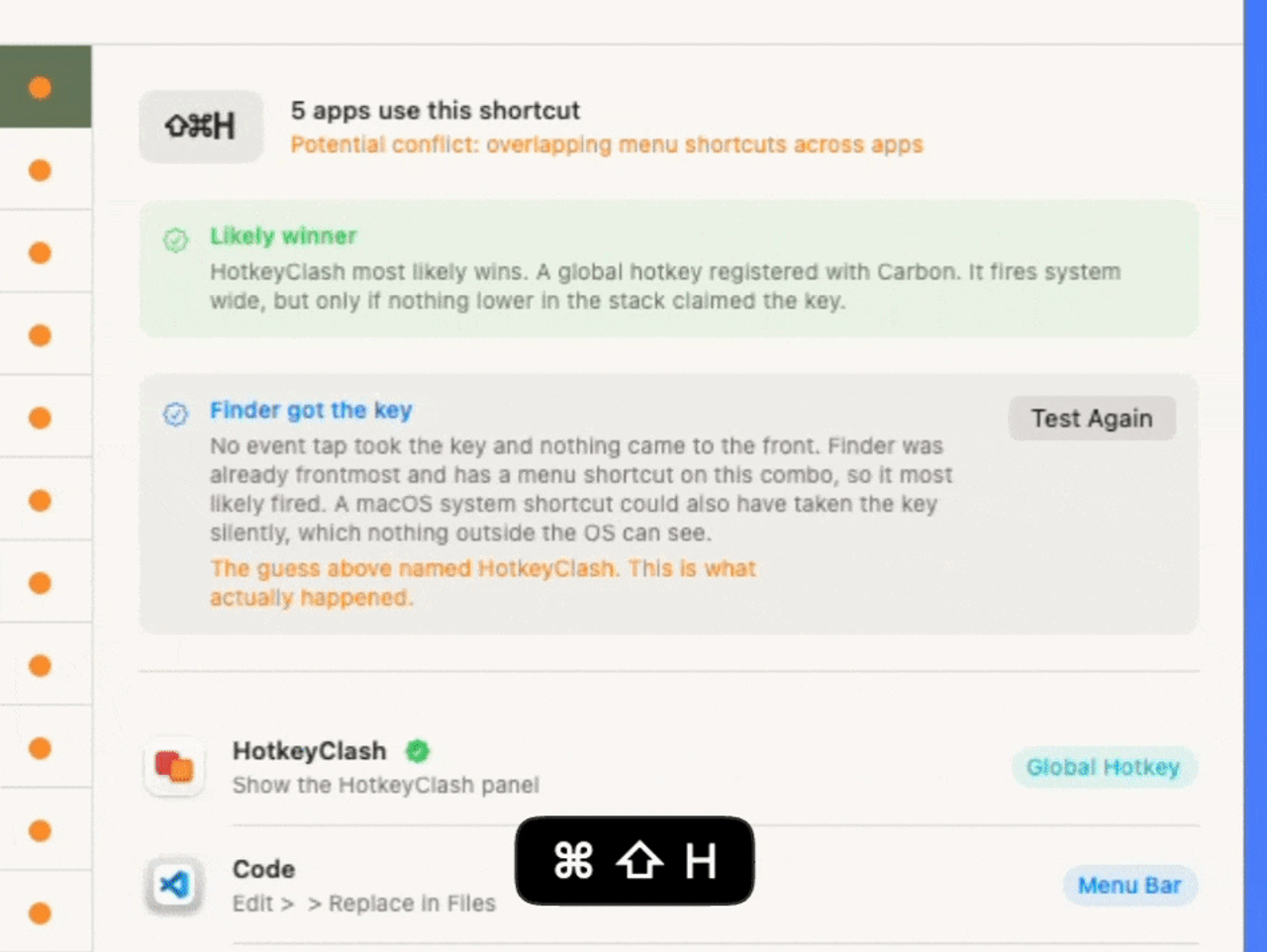
Wunderlandmedia · Find keyboard shortcut conflicts on your Mac.
HotkeyClash is a Productivity app for Mac. It is made by Wunderlandmedia.
brew install --cask hotkeyclashThese facts were checked on or after . See each source
HotkeyClash is a free, open-source macOS menu bar utility by Wunderlandmedia. It scans running apps, supported automation configuration files and macOS shortcuts, and groups competing bindings. Accessibility permission is required to scan running apps. It reports conflicts but does not edit other apps’ shortcuts. Requires macOS 14 or later.
Prices OpenNavo has checked, by region, edition and billing period, with sources and dates. OpenNavo keeps no price history and never calls a price the lowest.
| Edition | Price | Region | Where to buy | Checked |
|---|---|---|---|---|
| — | Free | — | Official websitehotkeyclash.com |
| macOS | Version | Chips | Download | Source |
|---|---|---|---|---|
| macOS 14 or later | 0.9.2 | Intel | github.com/Wunderlandmedia/HotkeyClash/releases/download/v0.9.2/HotkeyClash-0.9.2.dmgSHA-256 3dbcdccc6f2de328f6d0ea37e8d0b4e98e18a462f10f8a8b59e7c5a1de5f0f66 | HomebrewChecked |
| macOS 14 or later | 0.9.2 | Apple silicon | github.com/Wunderlandmedia/HotkeyClash/releases/download/v0.9.2/HotkeyClash-0.9.2.dmgSHA-256 3dbcdccc6f2de328f6d0ea37e8d0b4e98e18a462f10f8a8b59e7c5a1de5f0f66 | HomebrewChecked |
brew install --cask hotkeyclashDownload the same file Homebrew uses: github.com/Wunderlandmedia/HotkeyClash/releases/download/v0.9.2/HotkeyClash-0.9.2.dmg
SHA-256 only checks that the download is complete; it is not a security certification. See the SHA-256 and download address
brew uninstall --cask hotkeyclashA regular uninstall removes the app and keeps its settings and caches.
brew uninstall --zap --cask hotkeyclash--zap also deletes the settings, caches and other files listed in the Homebrew definition. They can include data shared with other apps and cannot be restored, and it does not guarantee that nothing is left. Back up any data you need first. To keep settings and caches, leave out --zap.
~/Library/Preferences/com.hotkeyclash.app.plistThese entries come from the Homebrew definition, checked . They say what it declares, not what is on your Mac.
New OpenNavo editorial
Search accepts key combinations and shows their owner or availability even without a conflict. The global hotkey can be disabled and restored in Settings; while disabled the app excludes itself from scan results.
Only facts that can be checked, each with its source and date. This is not a safety certification. To check the files you downloaded, scan them on your Mac with OpenNavo.
Uninstall uninstall
{ "uninstall": [ { "quit": "com.hotkeyclash. } ] }app"
Install app
Source file: HotkeyClash.
Declared destination: /
{ "app": [ "HotkeyClash.app" ], "target": "/Applications/ }HotkeyClash. app"
Remove user data zap
{ "zap": [ { "trash": "~/Library/ } ] }Preferences/ com. hotkeyclash. app. plist"
HotkeyClash is in Homebrew’s official catalog and has not been disabled. Since September 2026, Homebrew disables apps that fail macOS Gatekeeper checks. When installing, Homebrew checks the download from github.com against its SHA-256 checksum. It was installed 3 times through Homebrew in the last 30 days.
Yes, HotkeyClash is free to use. Source: hotkeyclash.com, checked Oct 20.
HotkeyClash’s source code is public on GitHub (Wunderlandmedia/HotkeyClash) under the GPL-2.0 license.
Run brew uninstall --cask hotkeyclash. It quits the app. To delete its settings and caches as well, run brew uninstall --zap --cask hotkeyclash. --zap also deletes the settings, caches and other files listed in the Homebrew definition. They can include data shared with other apps and cannot be restored, and it does not guarantee that nothing is left. Back up any data you need first. To keep settings and caches, leave out --zap. That also deletes ~/.
Homebrew installs it on both Apple silicon and Intel Macs, from the same download. It needs macOS 14 or later.
Its settings are in ~/. These locations come from Homebrew’s clean-up list.
The latest version is 0.9.2, added to Homebrew on Oct 19. Run brew upgrade --cask hotkeyclash to update it.
Follow one proposed key combination through lookup, source checks, observation and a reversible change. A clean scan is not a guarantee of availability.
Oct 20 · 4 min readEvery fact on this page names its source and check date. Facts past their validity read “as of” their date and are no longer stated as current.