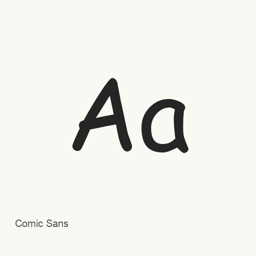
Comic Sans
Microsoft Corp. · A two-file Comic Sans font package containing Comic.TTF and Comicbd.TTF.
brew install --cask font-comic-sans-ms- 30-day installs
- 126
- 1-year installs
- 429
- Last 365 days
- Latest version
- latest
- Download size
- 246KB
- exe
- Release cadence
- Irregular
- 0 releases in 30 days
About
Comic Sans is a font package that installs two font files: Comic. and Comicbd.. The package is a font, not an application; the included files represent the styles installed by this cask, not every possible variant or a guarantee of complete Unicode coverage.
To install it, run brew install --cask font-comic-sans-ms. After installation, select the installed font in an application that supports choosing fonts. The cask places the files in ~/.
- Includes
Comic.andTTF Comicbd..TTF - Installs the font files under
~/.Library/ Fonts - The package provides font files rather than a standalone program.
Version changes: Unknown.
At a glance
- Font files
- 2 · TTF
- Installs to
- ~/Library/Fonts
- Auto-updates
- No
- Developer
- Microsoft Corp.
- Homebrew
- Available; updated by Homebrew
- Also known as
- font-comic-sans-ms
- Homepage
- sourceforge.net/projects/corefonts/files/the%20fonts/final
- Token
- font-comic-sans-ms
Checked
How to install Comic Sans on Mac
Homebrew installs the font in ~/Library/Fonts, where Font Book can use it.
Install without Homebrew
Download the same file Homebrew uses: Install Details
Uninstall Comic Sans and optional data cleanup
brew uninstall --cask font-comic-sans-msA regular uninstall removes the app and keeps its settings and caches.
Questions about Comic Sans
How do I completely uninstall Comic Sans on a Mac?
Run brew uninstall --cask font-comic-sans-ms.
Similar Fonts
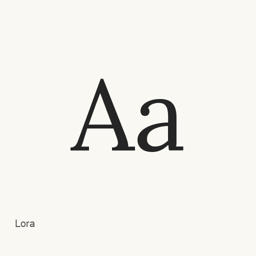
- LoraA serif typeface installed as variable upright and italic font files.
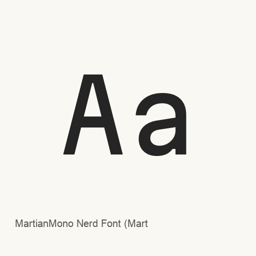
- MartianMono Nerd Font (MartianMono)A MartianMono Nerd Font package with proportional, monospaced and condensed font files in selected weights.
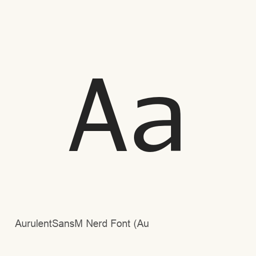
- AurulentSansM Nerd Font (Aurulent Sans Mono)A Nerd Font edition of Aurulent Sans Mono, supplied as regular, monospaced-glyph, and proportional-glyph OTF files.
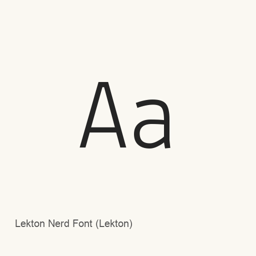
- Lekton Nerd Font (Lekton)Lekton patched with Nerd Font glyphs, with regular, italic, and bold files in the NerdFont, NerdFontMono, and NerdFontPropo variants.