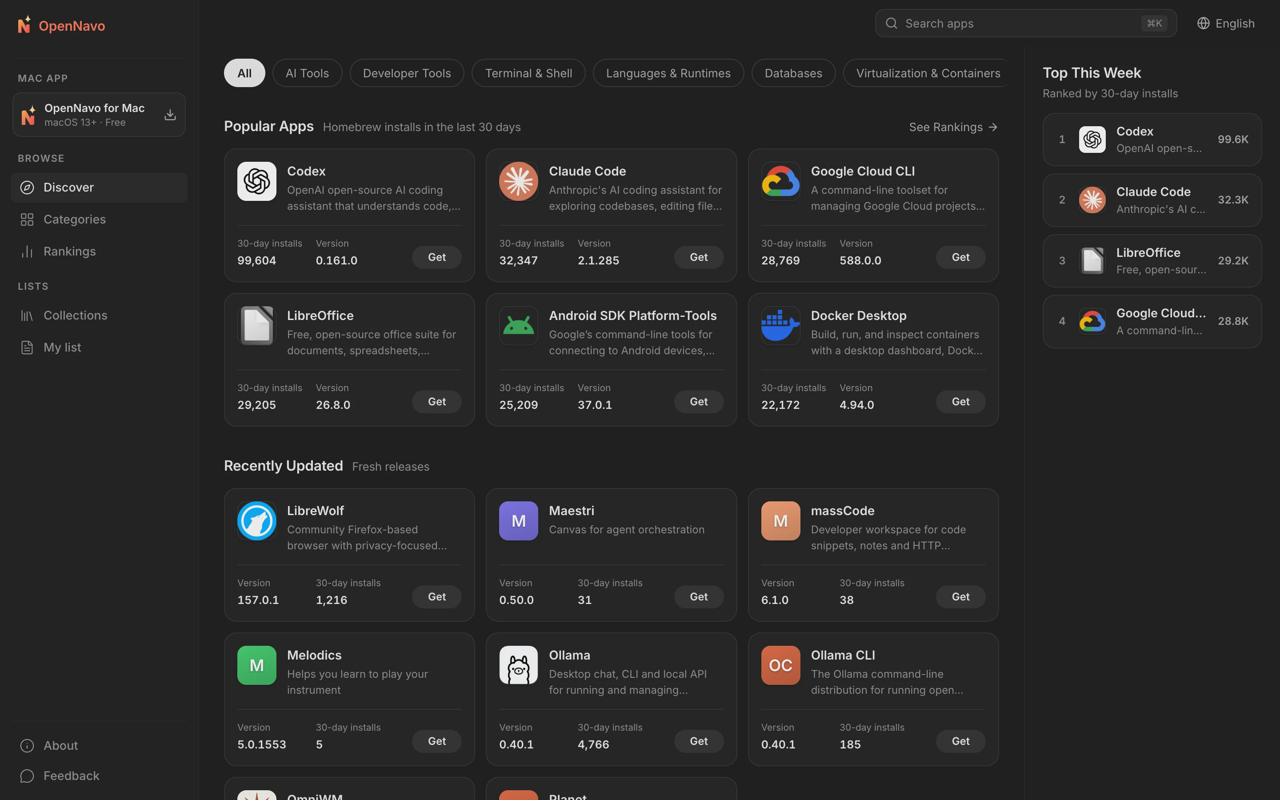
Applite presents Homebrew Cask applications in a native Mac interface with categories, search, app information and installed/update views. It is designed for graphical applications rather than formulae, background services or a general-purpose command-line package surface.
Installing and maintaining apps
Select an application, review its source and details, and let Applite manage the corresponding download and installation workflow. The current 1.4 line maintains its own Homebrew copy when needed and can also use an existing configured Homebrew prefix. It does not require a first-time user to install Apple's developer tools solely to begin browsing the catalog.
App Migration imports and exports chosen app lists to help restore a setup on another Mac. A package list is not a backup of application preferences, documents or commercial license entitlements. Review update and uninstall choices before applying them, especially when switching between Homebrew installations or using third-party taps and download mirrors.
Mac requirements and permissions
Current Applite requires macOS 14 Sonoma or later. The official README identifies its universal binary as supporting Apple Silicon and Intel Macs. The exact 1.4.2 DMG is 7935548 bytes in the release metadata and download headers.
Installing applications or maintaining protected locations can request administrator authorization through the app's password prompt. Individual applications may have additional operating-system permissions and publisher requirements. Applite's own compatibility does not establish that every listed application runs on the same macOS version.
License and data
Applite is free and MIT-licensed open-source software. Software installed through it remains subject to each publisher's license, pricing and privacy terms. Its catalog and installation operations access Homebrew metadata and application download servers; configuring a mirror or custom tap adds another source that should be trusted independently.
The 1.4.2 release repairs a Homebrew branch-removal problem, detects updates correctly again and displays download sizes. Exact notes also cover the catalog's 1.3.1 and 1.3.0 records. The authentic official screenshot shows the light Discover window; its build is unspecified. The inspected current icon is supplied as SVG/Icon Composer assets rather than an accepted public raster icon, so that gap remains.
Official product · Official source and setup
Icon source
The icon is an original complete publisher PNG from the official 1.3.1 source tag. It identifies the same product, but is historical artwork rather than a claim about the current binary icon.