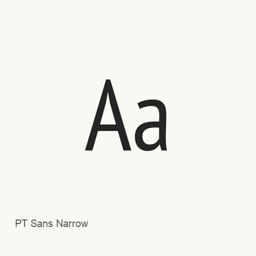
PT Sans Narrow
ParaType · A narrow sans-serif font installed in Regular and Bold files for use in applications that let you select installed fonts.
PT Sans Narrow is a font you can install on a Mac.
About
PT Sans Narrow is a font package that installs two font files: PT_Sans-Narrow-Web-Regular.ttf and PT_Sans-Narrow-Web-Bold.ttf. The filenames identify Regular and Bold styles. The supplied package does not include other font files.
- Includes the Regular style.
- Includes the Bold style.
- Installs the files in the user Fonts folder under
~/Library/Fonts.
Install with brew install --cask font-pt-sans-narrow. After installation, select the installed PT Sans Narrow font in an application that offers font selection. This installs fonts, not a separate application. The available evidence does not establish additional styles, character coverage, or ligature support.
Download size: Unknown.
Version changes: Unknown.
New What’s new in latest From Homebrew commits
This release has no separate notes.
Install and uninstall
Homebrew installs the font in ~/Library/Fonts, where Font Book can use it.
Install without Homebrew
Download the same file Homebrew uses: github.com/google/fonts.git
$ brew uninstall --cask \ font-pt-sans-narrowA regular uninstall removes the app and keeps its settings and caches.
Questions
How do I update PT Sans Narrow?
Run brew upgrade --cask font-pt-sans-narrow to get the latest version Homebrew records.
Can I install PT Sans Narrow without Homebrew?
Yes, download it from the official website, fonts.google.com/specimen/PT+Sans+Narrow.