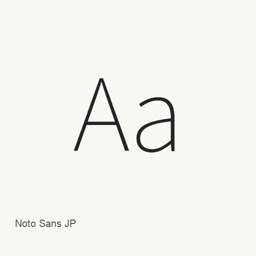
Noto Sans JP
Adobe · A Japanese sans-serif font from Google Fonts, installed as a single TTF font file.
CaskFontsApple silicon · Intel
From homebrew/cask
30-day installs284
1-year installs1.7KLast 365 days
Latest versionlatest5 days ago · Oct 7
Download size9.6MBarm64 / x86_64 · ttf
Release cadenceIrregular0 releases in 30 days
About
Noto Sans JP is a font, not an application. This Homebrew cask installs one font file, NotoSansJP[wght].ttf, into the current user’s ~/Library/Fonts folder. Google Fonts identifies the family as Noto Sans Japanese.
To install it, run:
brew install --cask font-noto-sans-jp
After installation, select Noto Sans JP (or the name shown by your software) in the font picker of a compatible application, such as a word processor or design tool. The cask provides the single TTF file listed above; it does not install an application.
New What’s new in latest OpenNavo editorial
- Font fileUpdated NotoSansJP[wght].ttf to version 2.004-H2.