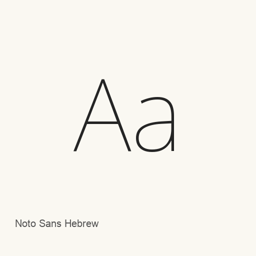
Noto Sans Hebrew
Google LLC · A Hebrew sans-serif font installed as a single variable TrueType font file.
About
Noto Sans Hebrew is a sans-serif font for Hebrew. This Homebrew cask installs one variable TrueType font file: NotoSansHebrew[wdth,wght].ttf. The file name indicates width and weight variation axes; the cask provides this specific font file rather than a collection of separate styles.
To install it, run brew install --cask font-noto-sans-hebrew. The font is placed in your user Fonts folder. After installation, select Noto Sans Hebrew in a compatible application’s font settings to use it. Installing the cask adds a font, not a standalone application.
The supplied font file establishes the included artifact, but does not establish full Unicode coverage or support for particular shaping features such as ligatures. For more information, see Google Fonts.
New What’s new in latest OpenNavo editorial
- Font buildRepository build updated to Version 3.001.