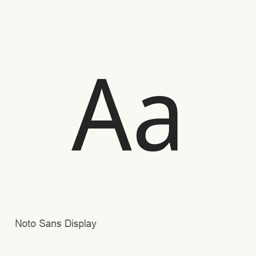
Noto Sans Display
Monotype Imaging Inc. · A display typeface family installed with regular and italic variable TrueType font files.
About
Noto Sans Display is a display typeface family available through Google Fonts. The Homebrew cask installs two TrueType font files in the current user’s ~/Library/Fonts directory:
NotoSansDisplay[wdth,wght].ttf— variable font file.NotoSansDisplay-Italic[wdth,wght].ttf— italic variable font file.
After installation, select the installed Noto Sans Display font in an application that supports user-installed fonts. Installing the cask adds font files; it does not install a separate application.
To install with Homebrew, run brew install --cask font-noto-sans-display. The supplied files establish that regular and italic font files are included; they do not establish complete Unicode coverage or support for ligatures.
Sources: Google Fonts
Download size: Unknown.
Version changes: Unknown.
New What’s new in latest From Homebrew commits
This release has no separate notes.