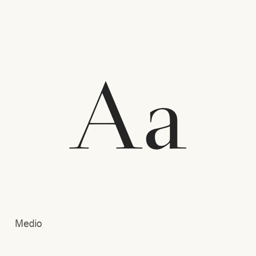
Medio
dot colon · A serif typeface blending modern Roman elegance with calligraphic strokes inspired by old-style Roman forms.
Medio is a font you can install on a Mac.
About
Medio is a serif typeface based on the skeleton of Tendernes. Its design combines the refined character associated with modern Roman typefaces such as Bodoni and Didot with a more flowing, old-style Roman sense of pen movement.
The typeface is offered as a single OpenType font file, medio.otf. The official site describes the design as more clearly conceived and carefully finished than its earlier version. The creator states that Medio is “No Rights Reserved” and permits use, modification, and redistribution, including for websites, print, and logos.
Install it with Homebrew:
brew install --cask font-medio
After installation, select the Medio font in the application where you want to use it, such as a design or document editor. This cask installs a font, not a standalone application. The font is provided without warranty.
Version changes: Unknown.
New What’s new in 0.200 From Homebrew commits
This release has no separate notes.
Install and uninstall
Homebrew installs the font in ~/Library/Fonts, where Font Book can use it.
Install without Homebrew
Download the same file Homebrew uses: dotcolon.net/files/fonts/medio_0200.zip
SHA-256 only checks that the download is complete; it is not a security certification. See the SHA-256 and download address
$ brew uninstall --cask \ font-medioA regular uninstall removes the app and keeps its settings and caches.
Questions
How do I update Medio?
Run brew upgrade --cask font-medio to get the latest version Homebrew records.
Can I install Medio without Homebrew?
Yes, download it from the official website, dotcolon.net/fonts/medio.