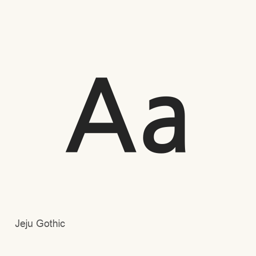
Jeju Gothic
Sandoll Communications Inc. · Install the Jeju Gothic regular TrueType font file with Homebrew Cask.
CaskFontsApple silicon · Intel
From homebrew/cask
30-day installs2
1-year installs25Last 365 days
Latest versionlatestMar 6, 2015 · Mar 6, 2015
Download size2.5MBarm64 / x86_64 · ttf
Release cadenceIrregular0 releases in 30 days
About
Jeju Gothic is a font distributed as a single regular TrueType font file. The supplied package installs JejuGothic-Regular.ttf in the current user’s ~/Library/Fonts folder; it does not install an application.
- The cask includes the regular file
JejuGothic-Regular.ttfonly. - The font is installed for the current user in the macOS user fonts folder.
- After installation, select Jeju Gothic in an application that supports choosing installed fonts to use it.
To install, run brew install --cask font-jeju-gothic. Once installed, choose the font from the font selector in your application. The available package evidence identifies the installed file and destination but does not establish additional styles or font capabilities.
Sources: Google Fonts
New What’s new in latest Mar 6, 2015 · OpenNavo editorial
- SourceAdded JejuGothic-Regular.ttf on 2015-03-06.