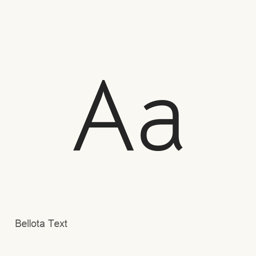
Bellota Text
Kemie Guaida · A text font family installed by Homebrew with six Light, Regular, and Bold files, including italic styles.
About
Bellota Text is a font family available through Google Fonts. This Homebrew cask installs six font files in the user’s ~/Library/Fonts directory; it installs fonts, not an application.
The installed files provide these styles:
- Light and Light Italic
- Regular and Italic
- Bold and Bold Italic
To install the fonts, run brew install --cask font-bellota-text. After installation, select the desired Bellota Text style from the font menu in an application that supports installed fonts. If the font does not appear immediately, close and reopen the application.
The cask installs the six listed files only. They establish which styles are included, but do not establish full Unicode coverage or support for typographic ligatures.
Source: Google Fonts
New What’s new in latest From Homebrew commits
This release has no separate notes.