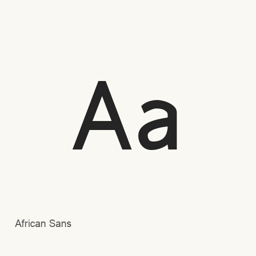
African Sans
Chris Harvey · A font family distributed as four styles: regular, bold, italic, and bold italic.
African Sans is a font you can install on a Mac.
About
African Sans is a font family distributed as four font files: regular, bold, italic, and bold italic. The available files are African Sans REGULAR 938.ttf, African Sans BOLD 938.ttf, African Sans ITALIC 938.ttf, and African Sans BOLD ITALIC 938.ttf. These filenames identify the included styles; they do not establish language coverage or other font capabilities.
Install it with Homebrew Cask:
brew install --cask font-african-sans
This installs font files, not a separate application. After installation, select African Sans—and the desired style—in a compatible application’s font menu to use it. The exact steps for choosing a font depend on the application.
Version changes: Unknown.
New What’s new in 9.3.8 From Homebrew commits
This release has no separate notes.
Install and uninstall
Homebrew installs the font in ~/Library/Fonts, where Font Book can use it.
Install without Homebrew
Download the same file Homebrew uses: www.languagegeek.com/font/AfricanSans.zip
$ brew uninstall --cask \ font-african-sansA regular uninstall removes the app and keeps its settings and caches.
Questions
How do I update African Sans?
Run brew upgrade --cask font-african-sans to get the latest version Homebrew records.
Can I install African Sans without Homebrew?
Yes, download it from the official website, www.languagegeek.com/font/fontdownload.html.